Configure
Set up from your phone. No app to install.
Setup happens through a browser page served by the frame itself. It works over a 2.4 GHz home network, and everything can be changed again later.
Plug it in
Power over USB-C. No battery to charge, no app store required for the initial setup.
Join its Wi-Fi
On first boot the frame opens its own network. Connect a phone or laptop and a setup page opens automatically.
Fill in two short pages
Pick your home Wi-Fi network, then your event, date, label, theme, font, and brightness. Save, and it restarts into the normal welcome sequence.
Themes and fonts
Try it yourself
Theme
Font
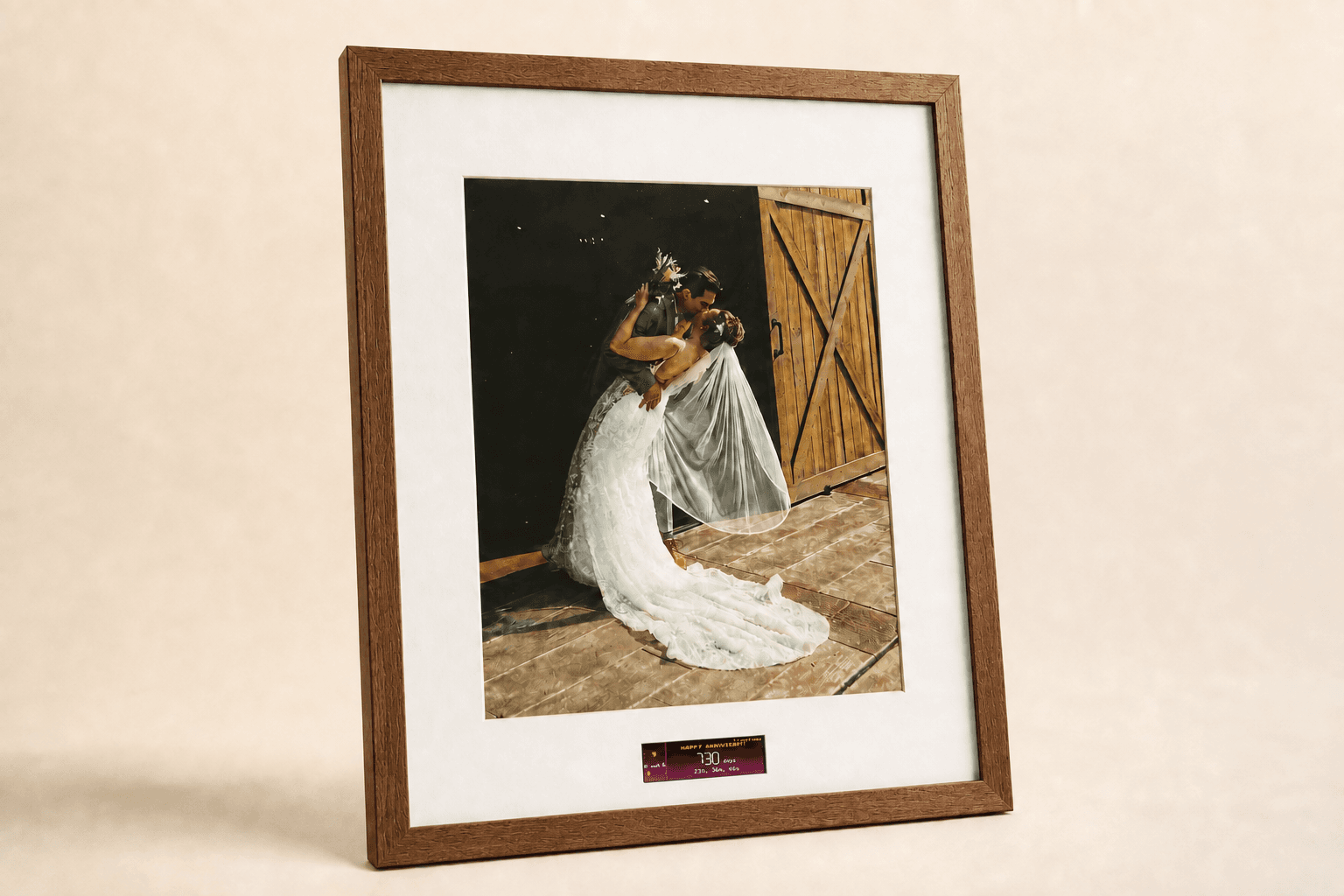
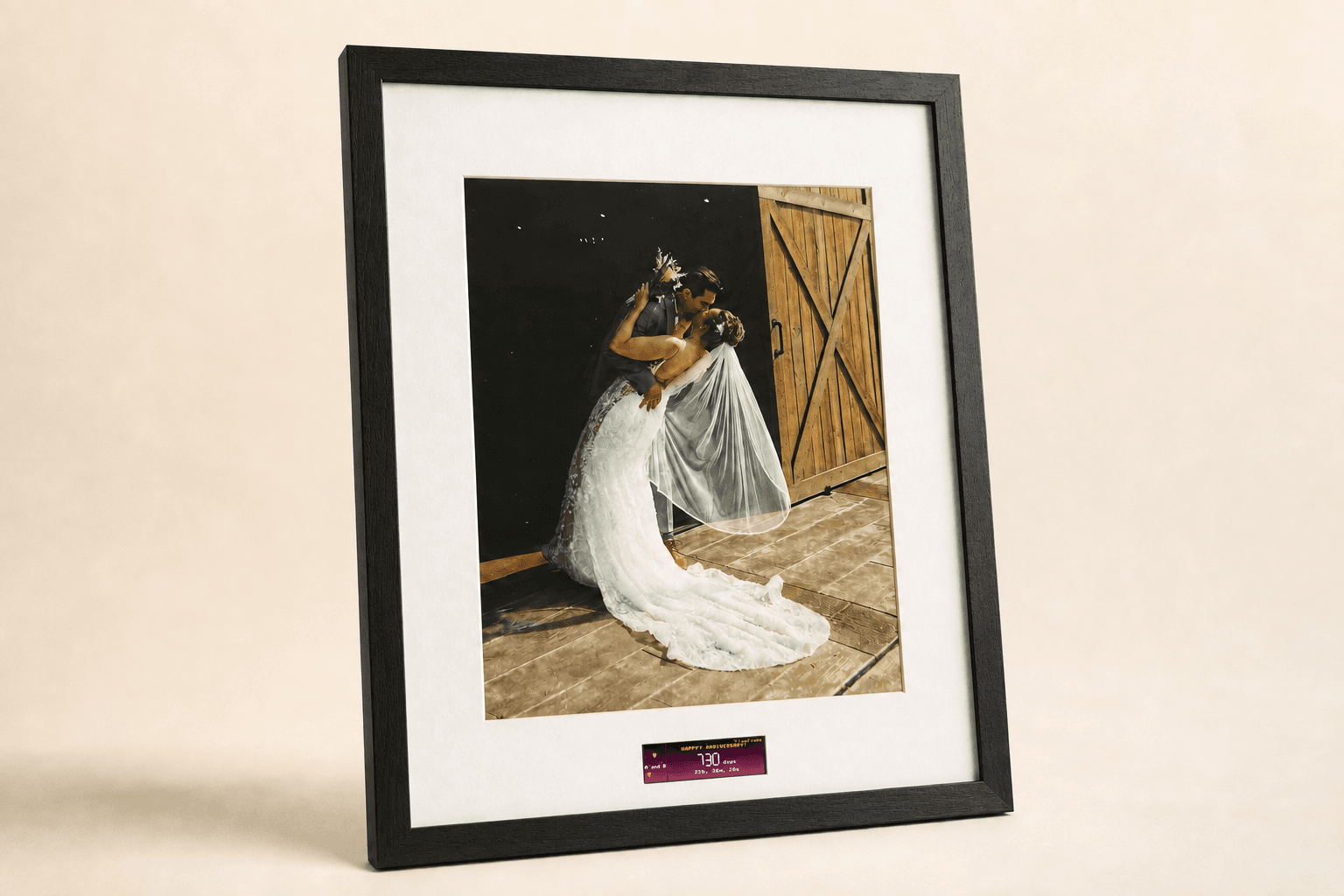
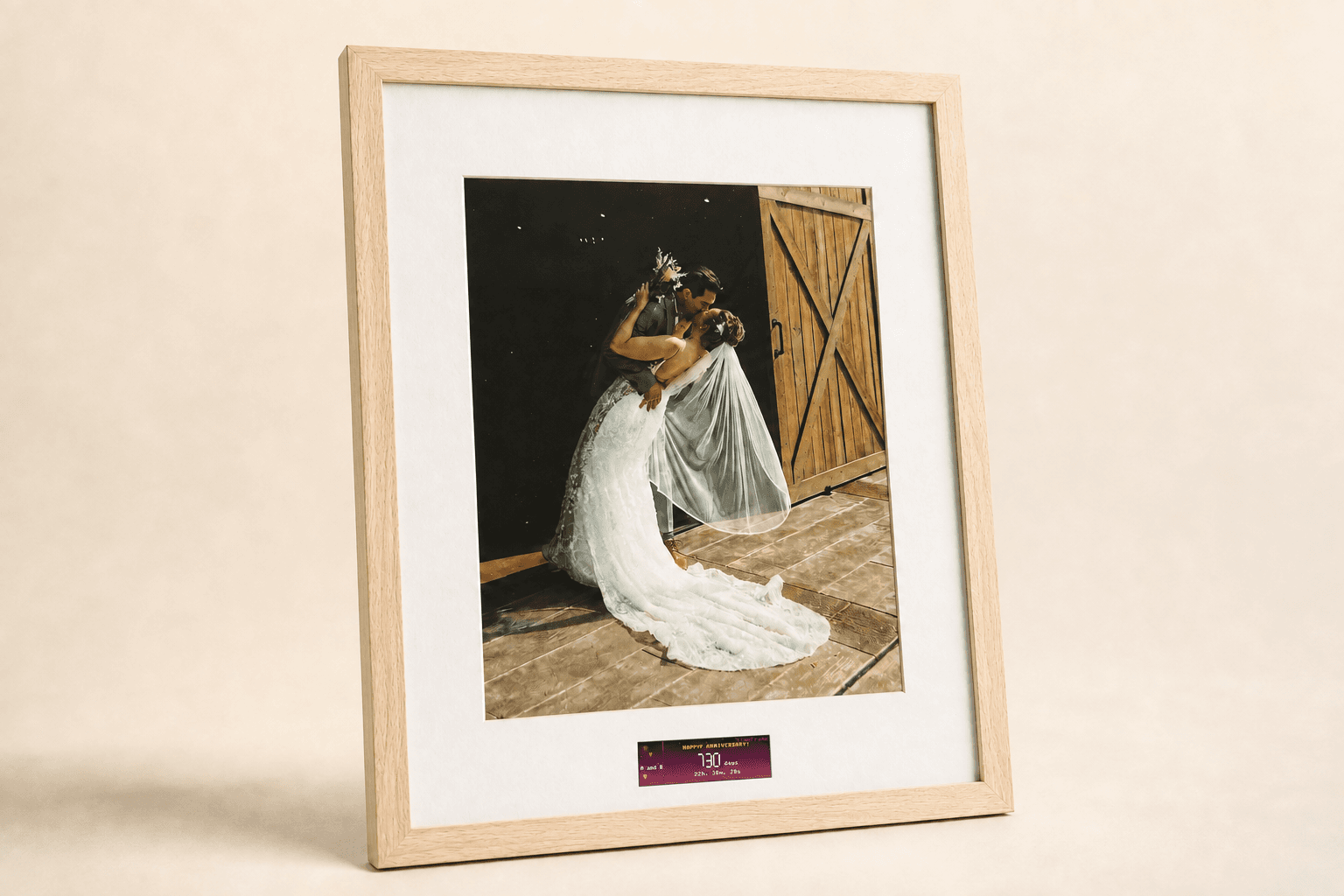
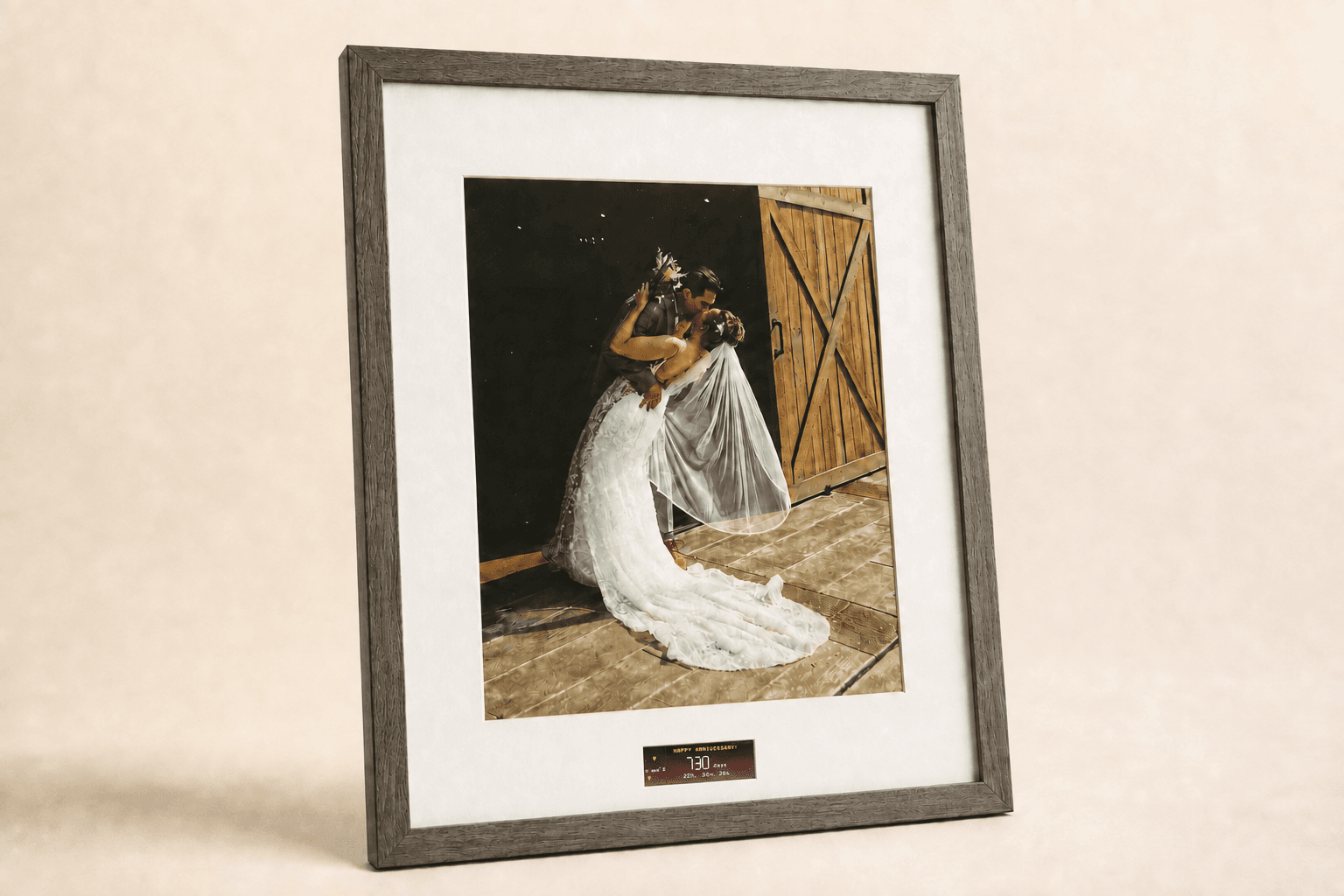
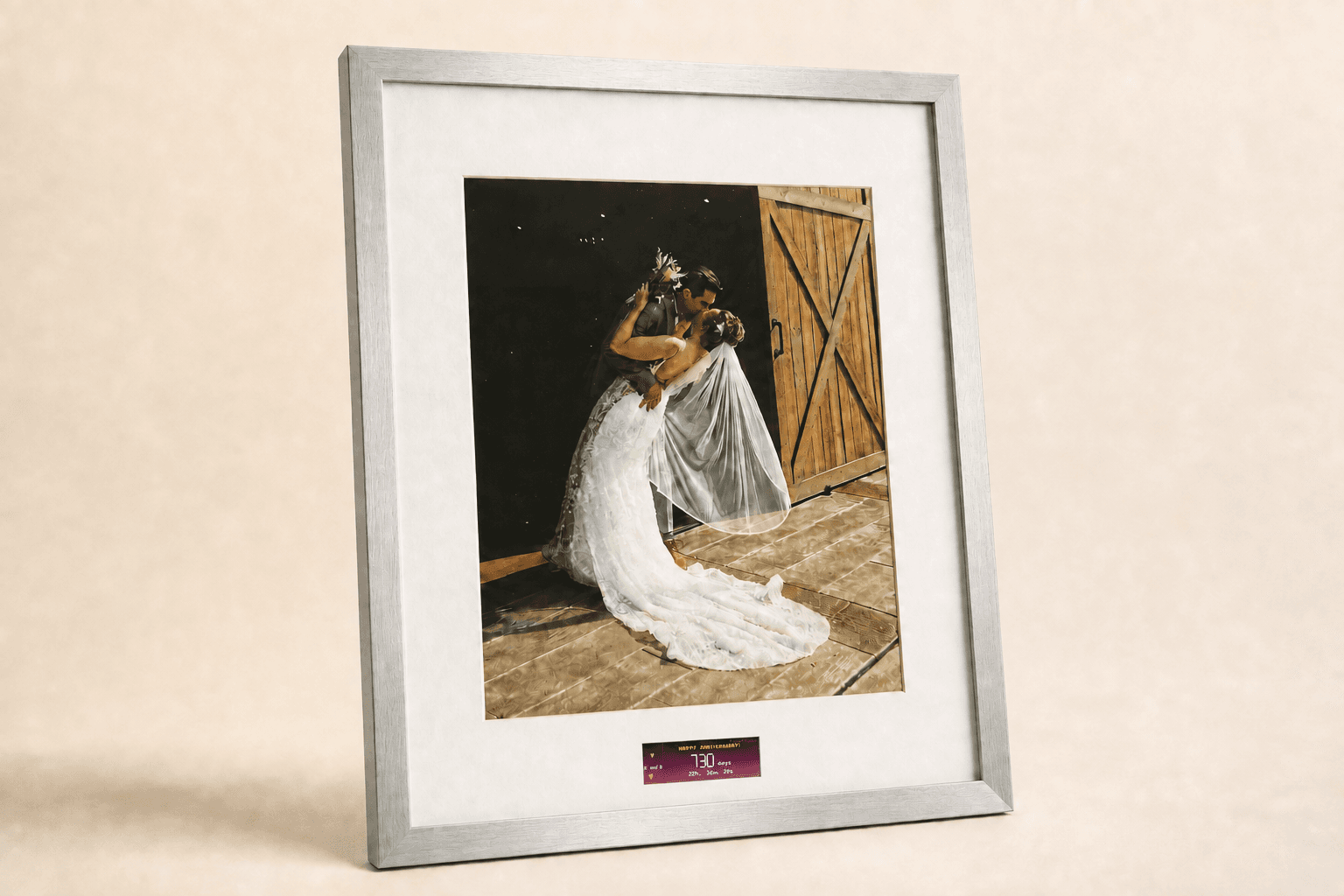
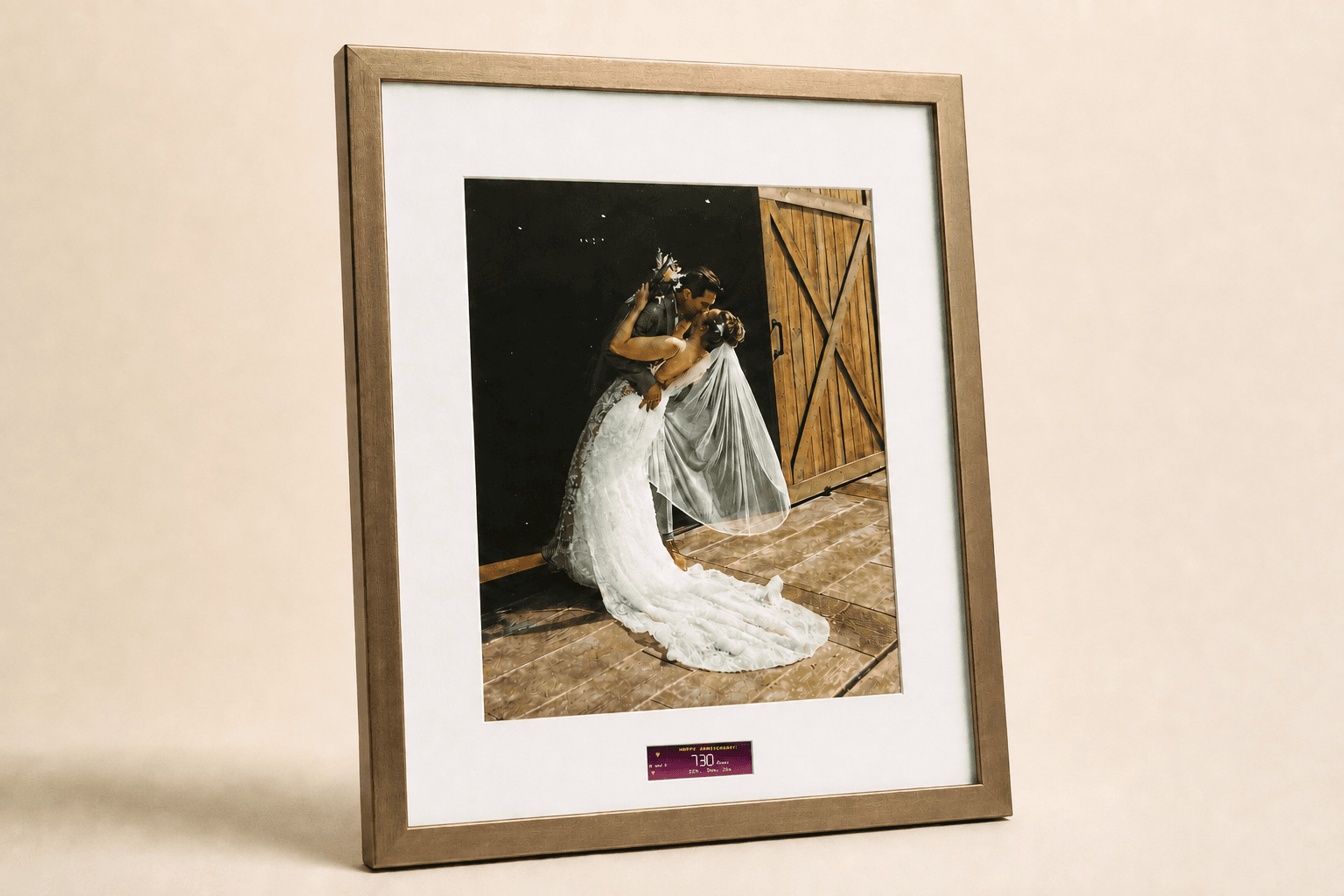
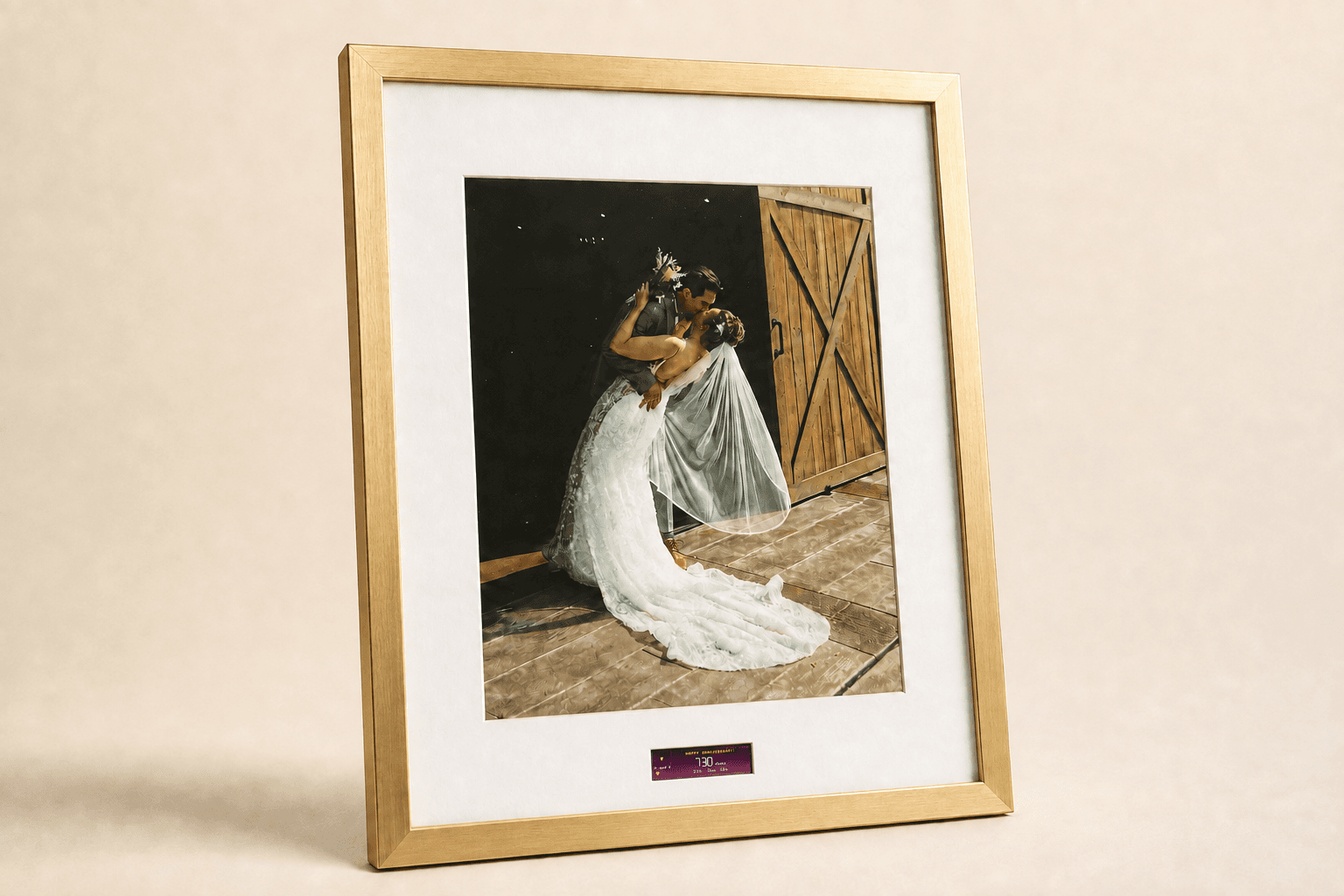
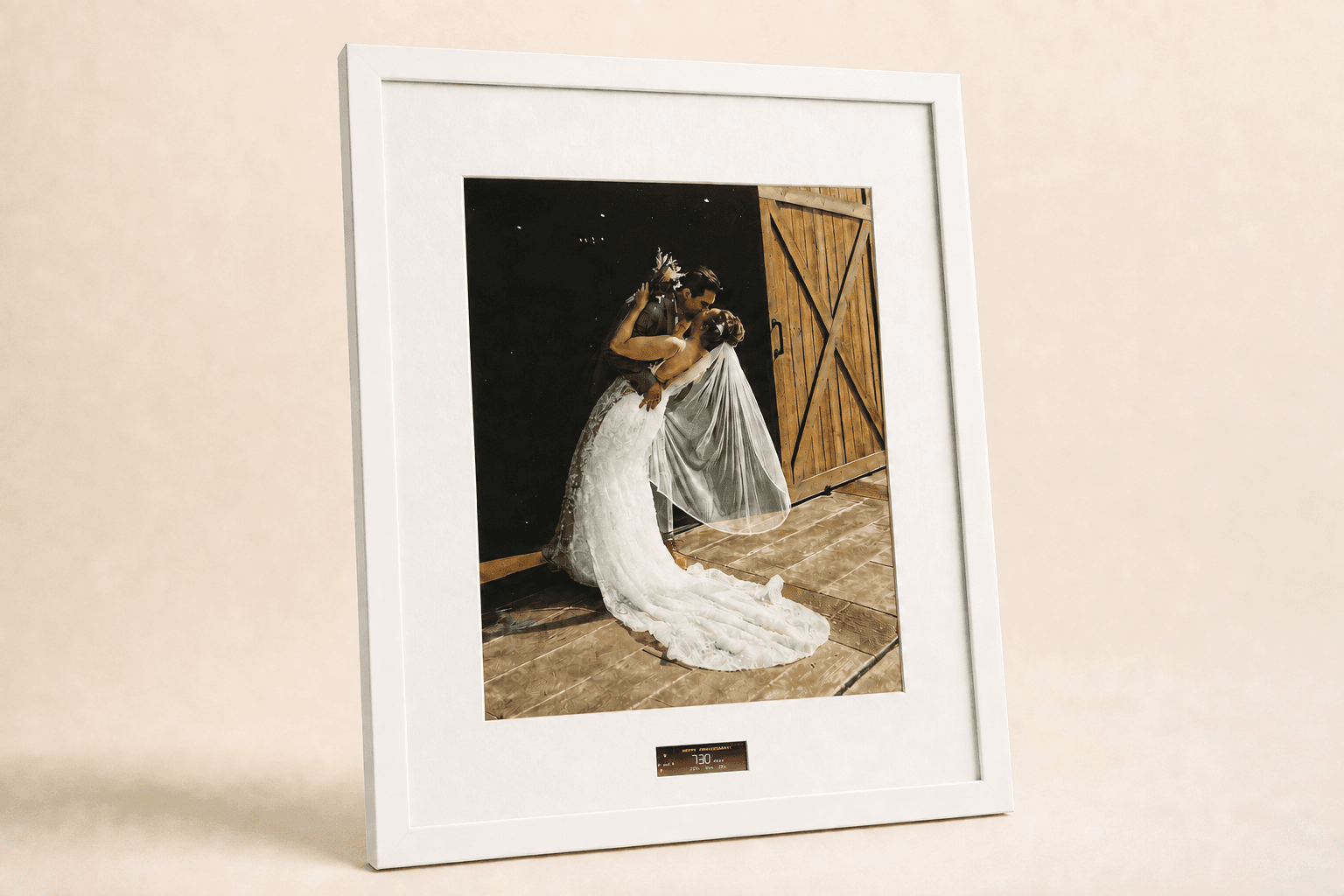
Frame styles
Eight finishes, same photograph, same counter.
Frame size and frame style are independent choices. This concept collection uses one photo and one theme across every finish so you can judge the frame itself. Exact sizes and availability are still being finalized.
Night dimming
Set a schedule and the frame lowers its brightness, or turns the screen fully off, during your chosen hours each night. It restores itself in the morning without any action from you.
Change your mind later
Once it is on your home network, a local settings page lets you update the event, date, theme, font, brightness, and dimming schedule. An optional PIN can protect changes from anyone else on the network.