The count
Down, then up. Automatically.
Choose a date in the future and TimeFrame counts down to it. The instant that moment arrives, it flips to counting up on its own, no button, no reset. Choose a date in the past and it starts counting up right away.
Pick a future date to see the countdown, or a past date to see it counting up already, exactly like the setup portal on the device.
This is a live browser simulation of the on-device counter, built from the same day / hour / minute / second breakdown the firmware uses. It updates once a second, same as the real screen.
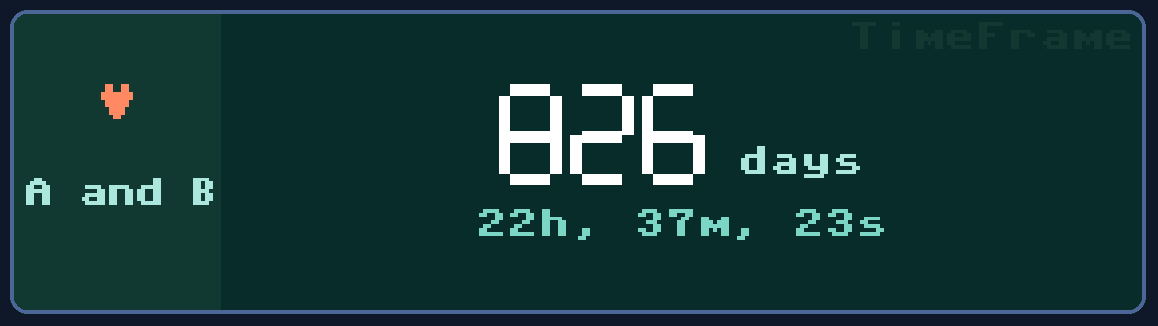
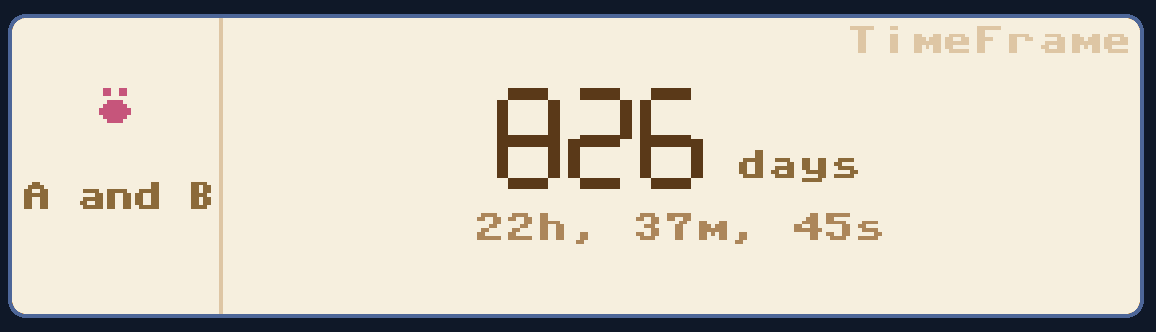
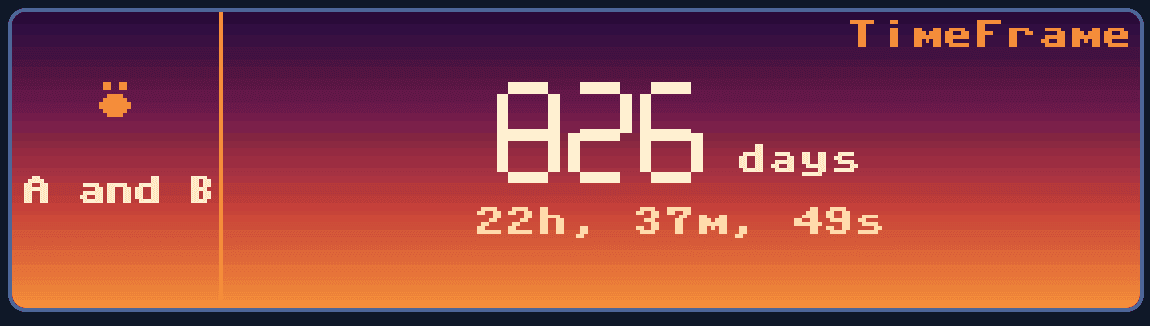
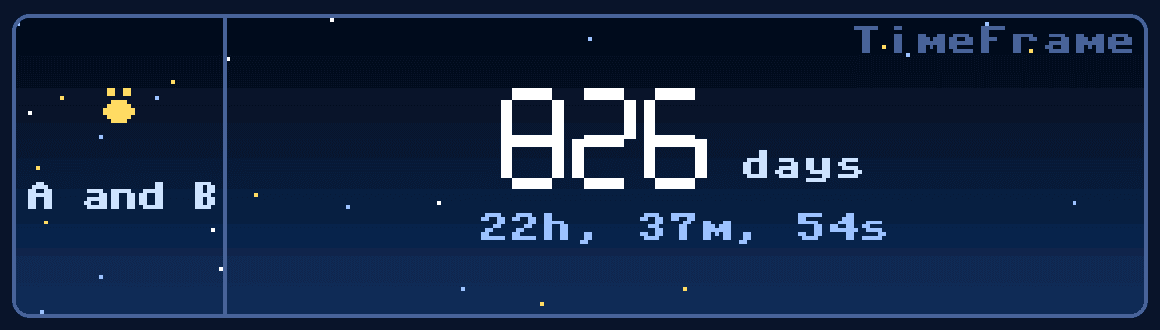
Pixel-perfect screen references
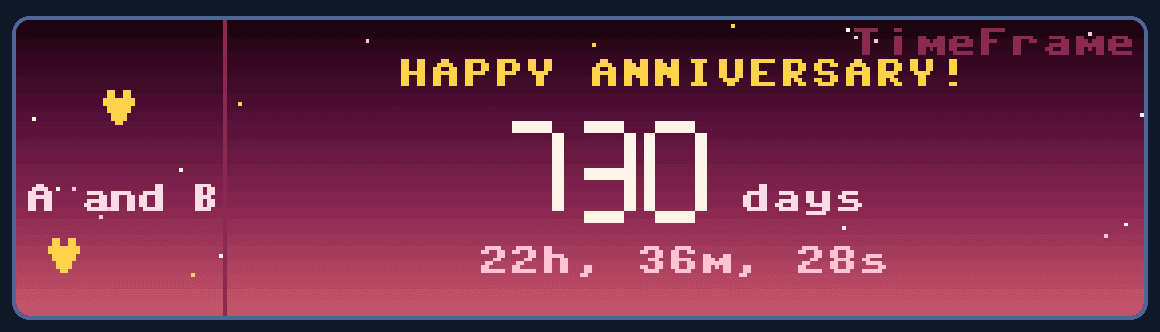
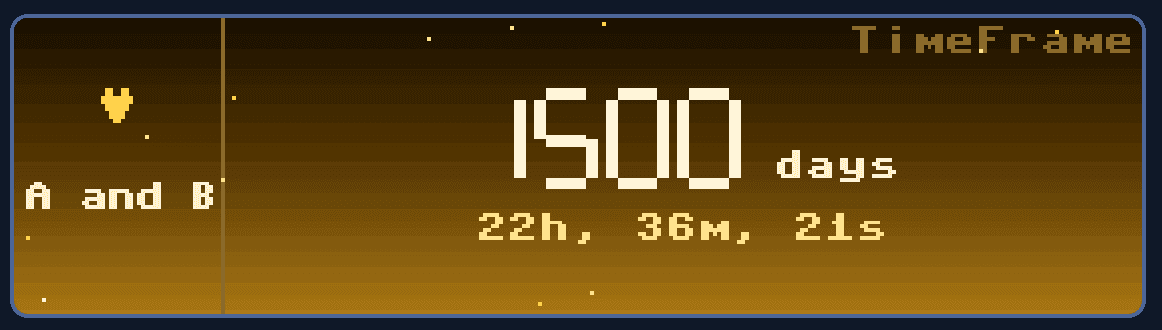
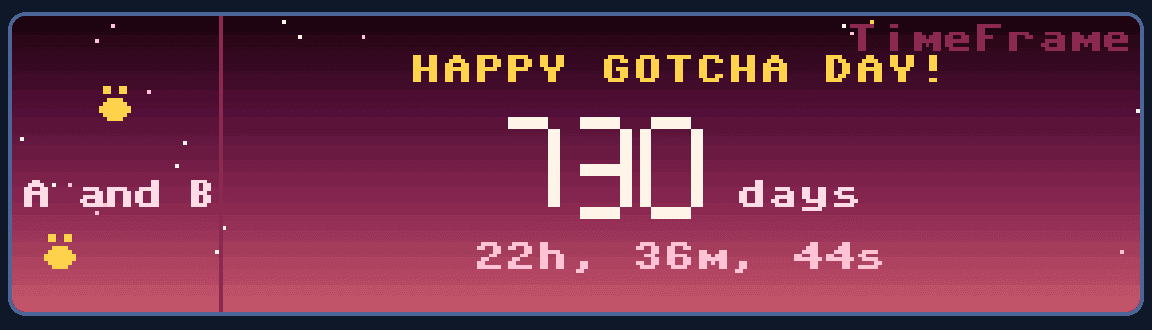
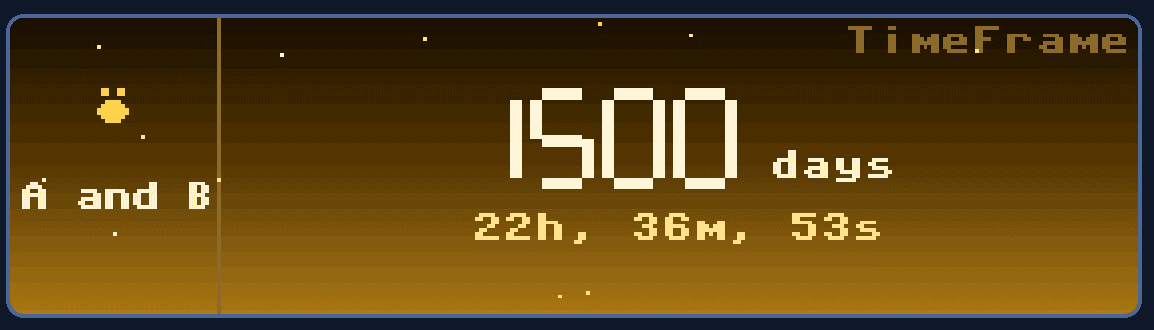
These are direct render captures based on the real firmware screen layout, including celebration states used for anniversaries and hundred-day milestones.
Two ways the screen celebrates on its own
Every year, an anniversary
On the local calendar date each year, the screen switches to a rose gradient with a message written for your event type. It reverts automatically at midnight.
Every hundred days, a milestone
Day 100, 200, 300, and onward each get a gold gradient with a gentle star twinkle. If a milestone and an anniversary land on the same day, the anniversary wins.